6 Best Project Planners For Yarn Tracking To Try
Struggling to organize your stash? We explore the 6 best project planners for yarn tracking to help you manage inventory, patterns, and progress efficiently.
Every knitter eventually reaches a point where their yarn stash outgrows their memory and their project queue becomes a tangled mess of half-finished ideas. Tracking your fiber journey isn’t just about vanity; it’s about understanding your gauge, your spending habits, and the reality of your time. Whether you prefer the tactile scratch of a pen on paper or the sleek efficiency of a database, finding the right system is the first step toward a more intentional craft. Here are six top-tier tools to help you master your stash and streamline your knitting life.
The Knit Companion App: Best for Digital Patterns


If you’ve ever lost your place in a complex lace chart while fumbling for a stitch marker, Knit Companion is a revelation. It transforms static PDFs into interactive workspaces where you can track your row progress with a simple tap.
The app’s true power lies in its ability to isolate specific sections of a chart. If you are working on a stranded colorwork yoke, you can zoom in on the motif while keeping your row counter visible in the corner.
However, the interface can feel overwhelming for beginners who just want to knit a simple garter stitch scarf. It is a heavy-duty tool designed for those who tackle intricate cables or multi-page lace patterns that require constant focus.
StashBot App: Best for Yarn Yardage Calculations
We have all been there: standing in a yarn shop, staring at a gorgeous skein of hand-dyed merino, wondering if two skeins are enough for a sweater. StashBot removes the guesswork by calculating yardage requirements based on your size and the project type.
It essentially acts as a pocket consultant for your yarn shopping trips. You input the weight of your yarn and the intended garment, and it provides a realistic estimate of the yardage you need to avoid the dreaded "yarn chicken" scenario.
Keep in mind that it provides estimates, not guarantees. Your personal tension—whether you are a tight or loose knitter—will always influence how much yarn you actually consume.
The Knitter’s Planner: Best for Physical Tracking
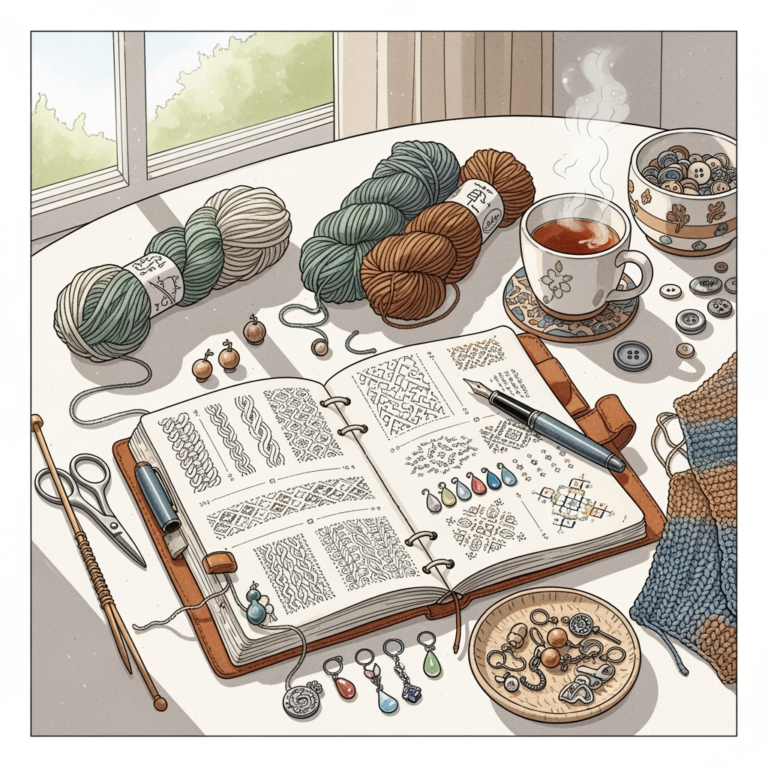
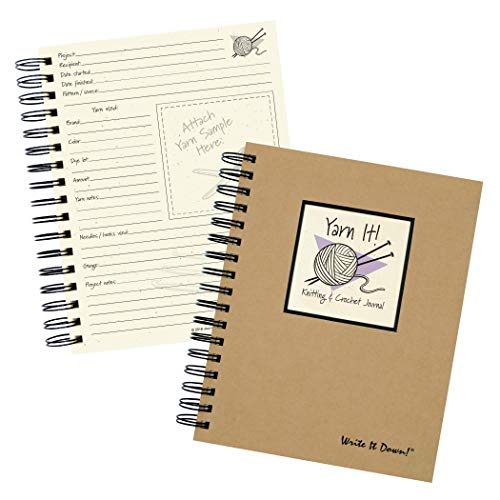
There is something undeniably grounding about a physical planner that sits on your project bag. The Knitter’s Planner offers dedicated space to swatch, record your needle sizes, and attach a small snip of the yarn you are currently working with.

For those who find screens distracting, this is the ultimate analog sanctuary. It allows you to track your progress with a pen and paper, creating a tangible record of your knitting history that you can look back on years later.
The trade-off is portability; it’s one more thing to carry in your project bag. If you are the type of knitter who constantly changes projects, ensure you have a system to keep your planner updated alongside your needles.
Ravelry Notebook: Best for Community Integration

Ravelry is the backbone of the modern knitting world, and its Notebook feature is the industry standard for cataloging. It links your stash directly to the patterns you’ve made, creating a massive, searchable database of your own work.
The biggest advantage is the community aspect. When you log a project, you can see how hundreds of other knitters fared with that same yarn and pattern, which is invaluable for predicting how a specific fiber will drape or pill over time.
While powerful, the interface is purely utilitarian and lacks the sleek, modern aesthetic of newer apps. It is a database first and a design tool second, which might frustrate users looking for a more visual experience.
GoodNotes Digital Knitting Journal: Best for Custom
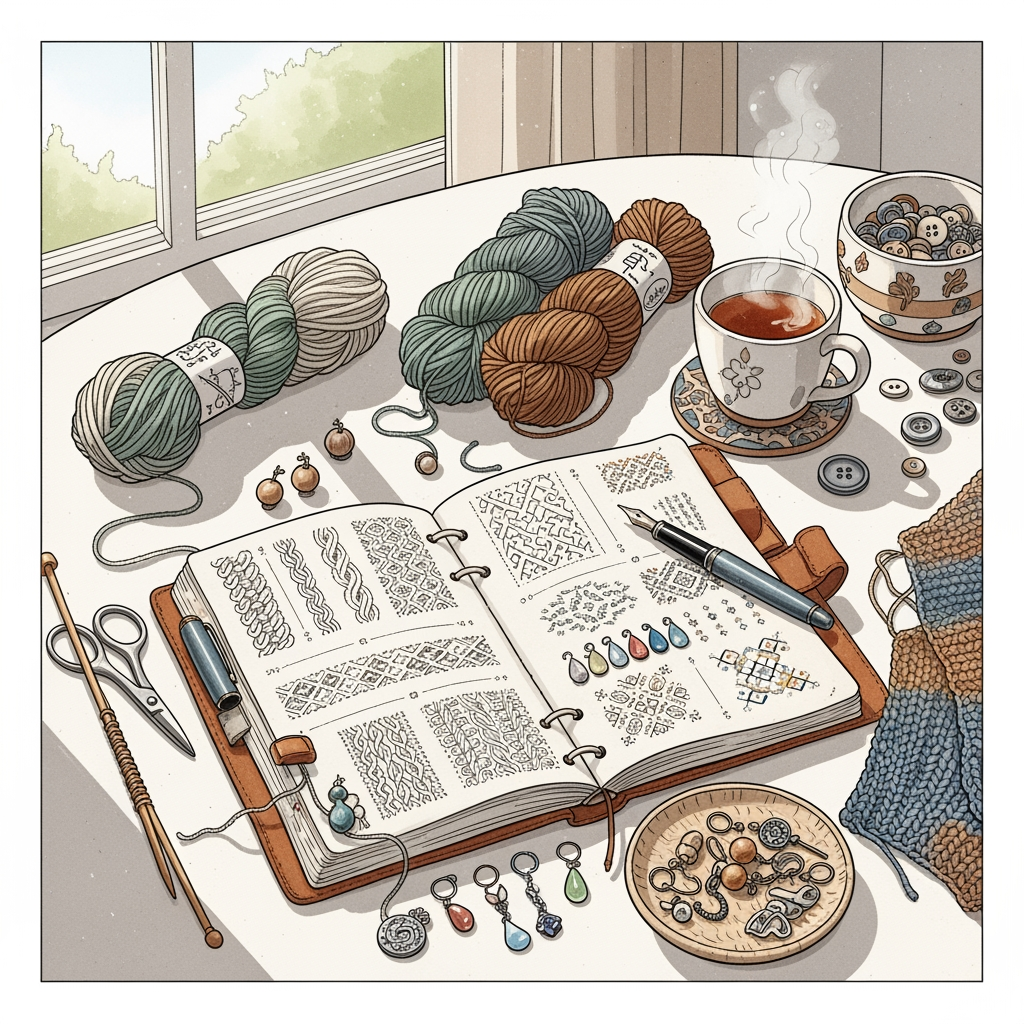
If you are a creative who loves to doodle, add photos of your finished objects, and customize your layout, GoodNotes is a fantastic flexible option. You can import digital templates and treat your tablet like a high-end sketchbook.
This is perfect for knitters who want to document the "why" behind their projects, not just the "how." You can annotate your charts, sketch modifications to necklines, and keep all your inspiration in one fluid, visual document.
The downside is the lack of automation. You have to build your own structure, which can be time-consuming if you aren’t naturally organized.
Notion Templates for Knitters: Best for Databases

Notion is for the knitter who loves data, tags, and complex filtering. You can create a master database that tracks every skein in your stash, including fiber content, dye lot, and purchase date, all while linking it to your current WIPs.
It is incredibly powerful for those with large stashes who need to know exactly what is in their closet without digging through bins. You can filter your yarn by weight, color, or fiber type with a single click.
Be warned: Notion has a steep learning curve. If you spend more time "setting up" your system than actually knitting, it may be time to simplify your approach.
Why You Should Track Your Yarn Stash and Projects
Tracking your stash prevents the common mistake of buying duplicate colors or weights you already have in abundance. It forces you to be honest about your inventory, which often leads to more creative use of the yarn you already own.
Beyond inventory, tracking your projects helps you understand your personal knitting velocity. Knowing how long it takes you to knit a pair of socks helps you manage your expectations and avoid the stress of impossible deadlines.
Finally, a project log acts as a reference guide for your future self. If you ever want to replicate a modification you made to a sweater three years ago, you will be grateful for the notes you took at the time.
Essential Metrics for Every Knitting Project Log
To make your logs truly useful, you must move beyond just the pattern name and yarn brand. Always include these vital pieces of information:
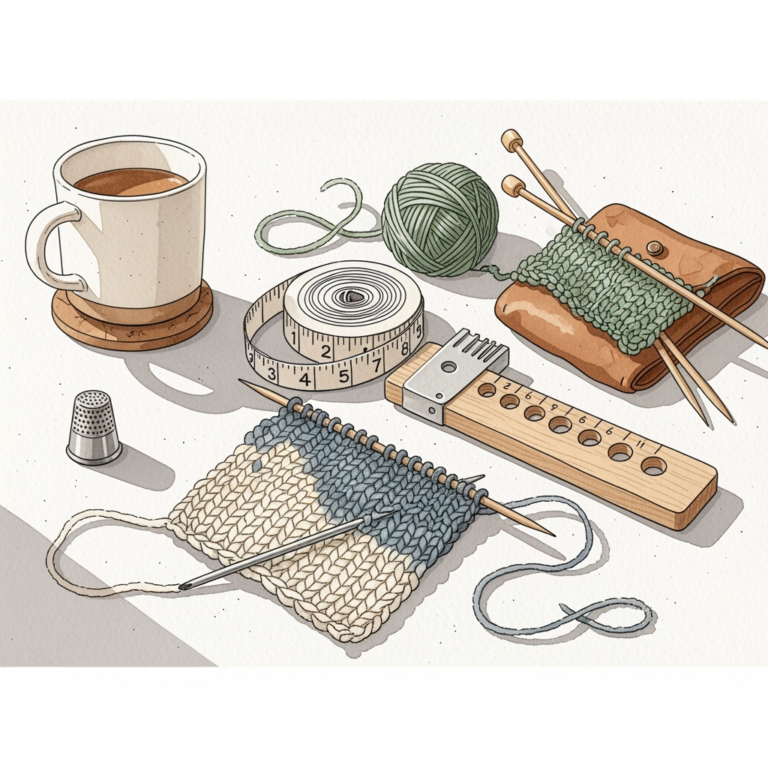
- Needle Size and Material: Did you use wood or metal? Metal needles can change your gauge on slippery yarns.
- Actual Gauge: Record your gauge after blocking, not just before.
- Modification Notes: Did you add length to the sleeves or shorten the body?
- Yarn Lot Numbers: Crucial for matching colors in multi-skein projects.
Digital vs Paper Planners: Finding Your Workflow
Choosing between digital and paper comes down to your tactile preference and how much you value portability. Digital systems win on searchability and data backup, while paper wins on focus and the lack of screen fatigue.
If you are a "process" knitter who enjoys the ritual of writing things down, a paper planner will feel like a natural extension of your craft. If you are a "product" knitter who wants efficiency and quick access to information, go digital.
Most successful knitters eventually settle on a hybrid approach. They use digital tools for the heavy data lifting and paper for the immediate, daily notes on their current row.
How to Organize Your Yarn Stash for Better Access
The best organizational system is one that you can maintain without effort. Start by grouping your yarn by weight (fingering, DK, worsted) rather than color; this makes it much easier to find a substitute for a pattern.
Use clear, airtight bins to protect your natural fibers from moths and dust. Labeling the outside of these bins with a simple inventory list can save you from having to dump everything out when you’re looking for a specific skein.
Once your yarn is organized, make it a habit to update your tracking app immediately after a purchase. A system is only as good as the data you feed it, and an outdated stash log is just as frustrating as no log at all.
Finding the right project planner is a deeply personal process that evolves alongside your skill level and stash size. Don’t be afraid to experiment with a few different systems until you find the one that feels like a natural part of your knitting rhythm. Remember that the goal is to spend more time with your needles and less time worrying about the logistics of your hobby. Happy knitting, and may your gauge always be true and your yarn never run out.