7 Best Pattern Organizers For Multi-Project Knitters
Juggling multiple knitting projects? Discover the 7 best pattern organizers to streamline your workflow, track progress, and keep your yarn stash organized.
Managing multiple knitting projects simultaneously is a common rite of passage for every dedicated fiber artist. Whether you are juggling a complex lace shawl, a pair of quick-knit socks, and a long-term sweater project, staying organized is the key to finishing them all. Without a reliable system, you risk losing your place in a chart or forgetting which needle size you used for a specific gauge swatch. These seven tools offer distinct approaches to keeping your knitting life orderly, efficient, and stress-free.
Ravelry: The Gold Standard for Digital Organization
Ravelry is essentially the central nervous system of the modern knitting world. Its project pages allow you to log every detail, from the exact yarn colorway and dye lot to the specific needle size that produced your perfect gauge.
When you have five projects on the needles, the "My Notebook" feature becomes your best friend. You can tag projects by status—"hibernating," "in progress," or "finished"—which prevents that nagging guilt when you set a project aside for months.
The true power lies in the community database. If you encounter a confusing instruction in a pattern, you can often find a project page where another knitter has already solved the problem or suggested a modification.
Bottom line: If you want a comprehensive, searchable archive of your entire knitting history, Ravelry is the foundational tool you need.
KnitCompanion: Best App for Complex Chart Tracking
If you have ever lost your place in a 40-row lace repeat, you know the frustration of having to "read your knitting" to figure out where you left off. KnitCompanion turns your tablet into a high-tech project assistant that tracks your progress row by row.
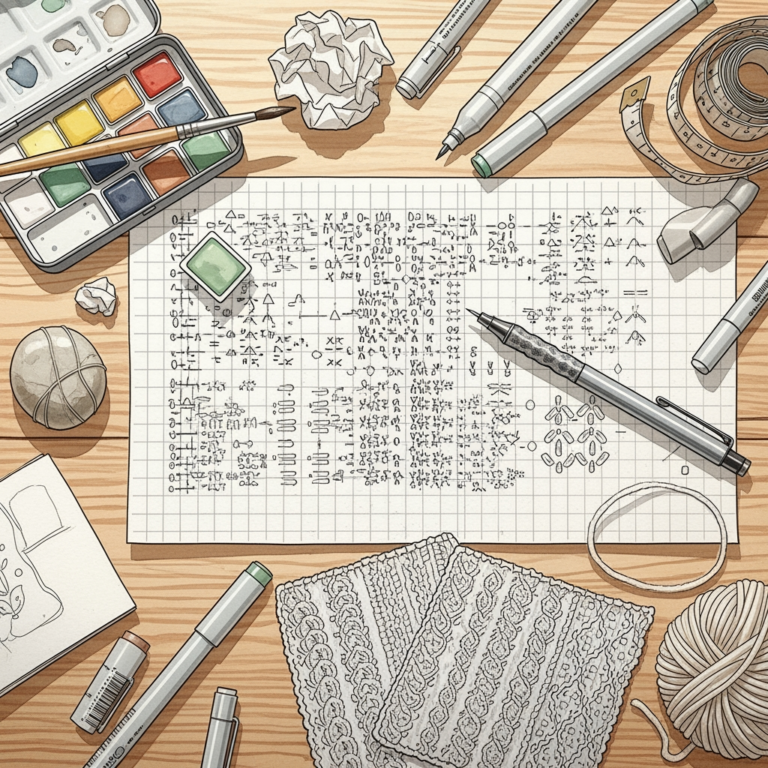
It is particularly useful for stranded colorwork or intricate cables where you need to see exactly which stitch comes next. You can set up markers to highlight specific rows, ensuring that you don’t accidentally work a decrease on the wrong side.
While the learning curve is steeper than a simple PDF reader, the ability to manipulate digital charts is a game-changer. It effectively eliminates the need for manual row counters or messy sticky notes on your paper patterns.
Bottom line: Use this if you are a chart-heavy knitter who wants to stop counting stitches manually and start focusing on the rhythm of your work.
GoodNotes for Knitters: Best for Digital Planning
GoodNotes functions like a digital binder, allowing you to import PDF patterns and annotate them with a stylus. Many knitters prefer this because it mimics the tactile sensation of writing on paper while keeping everything synced to the cloud.
You can create custom "notebooks" for different projects, including sketches of modifications or reminders to check your gauge after blocking. It is an excellent choice for those who like to hand-write notes about yarn substitutions or stitch counts.
The flexibility here is unmatched, though it lacks the automated row-tracking features of dedicated apps. It is a canvas for your creative process rather than a structured database.
Bottom line: Perfect for the knitter who loves to sketch and annotate their patterns in a free-form, visual way.
Notion: Best for Custom Project Database Building
Notion is a powerful productivity tool that allows you to build a custom dashboard for your knitting life. You can create tables to track your stash, needle inventory, and active projects all in one view.
For a knitter with a massive yarn collection, Notion allows you to link specific skeins to specific projects. You can track the yardage used versus the yardage remaining, which is vital when you are playing "yarn chicken" on a large sweater project.
The setup requires time and effort, as you are essentially building your own software. However, once your system is in place, it provides a level of data clarity that no pre-made app can match.
Bottom line: Choose Notion if you are a "data-driven" knitter who wants complete control over how your information is organized.
Evernote: Best for Clipping Web Patterns and Notes
Evernote excels at capturing information from disparate sources, such as blog posts, free patterns, or inspiration photos from Instagram. You can "clip" these items directly into organized notebooks, keeping your inspiration board clean and accessible.
It is particularly useful for storing technical tips, such as how to perform a specific bind-off or how to calculate the yardage for a custom hat. You can tag these notes so that they appear whenever you search for "cables" or "sock construction."
While it isn’t a dedicated knitting app, its search functionality is superior to most. It is the best place to keep that "random knowledge" that usually gets lost in a pile of paper.
Bottom line: Use Evernote as your digital filing cabinet for the vast amount of knitting knowledge you find across the internet.
The Maker’s Journal: Best Physical Project Planner


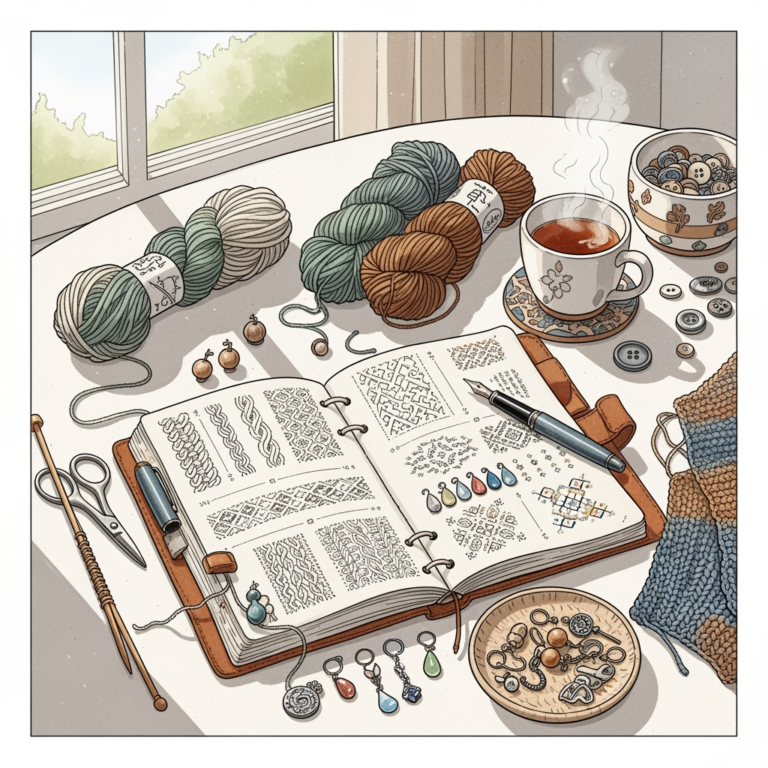
There is something undeniably satisfying about putting pen to paper when you are working with natural fibers. A dedicated physical planner, like The Maker’s Journal, provides a tactile space to record your progress and reflect on your knitting journey.
These journals often include dedicated sections for yarn swatches, which is invaluable. Being able to see how a specific wool-alpaca blend feels and drapes after washing, right next to your notes, helps you make better decisions for future projects.
The tradeoff, of course, is that a physical book can be lost or damaged. You lose the ability to search for keywords or sync your data to a phone, but you gain a beautiful, permanent record of your craft.
Bottom line: If you prefer a screen-free experience, a physical journal is the best way to preserve your knitting history.
Cocoknits Method: Best for Workflow Management
The Cocoknits Method is less of an app and more of a philosophy for project management. It focuses on using specific tools—like colored stitch markers and magnetic boards—to keep your project organized from the first cast-on to the final weave-in.

By standardizing how you track your increases, decreases, and short rows, you reduce the mental load of a complex pattern. It forces you to be intentional about your workflow, which helps prevent the common mistakes that happen when you are tired or distracted.
This method is particularly effective for garment knitters who need to manage multiple shaping points simultaneously. It turns a chaotic project into a series of repeatable, manageable steps.
Bottom line: Adopt this if you want a structured, professional workflow that minimizes errors in complex garment construction.
How to Choose Your Ideal Knitting Project Organizer
Choosing the right tool depends entirely on your personal friction points. If you find yourself constantly losing your place in a chart, prioritize a digital tracker like KnitCompanion. If you struggle with forgetting your needle sizes or yarn yardage, a database-style organizer like Ravelry or Notion is your best bet.
Consider your environment: do you knit mostly on the couch, or do you take your projects on the go? If you travel, cloud-synced digital tools are essential, as you won’t have to carry a heavy binder of notes with you.
Be honest about your patience for setup. Some systems, like Notion, require hours of building before they become useful. If you just want to knit, start with something simple like Ravelry’s built-in notebook.
Bottom line: Pick one system and stick with it for at least three projects before deciding if it works for your unique knitting style.
Digital Versus Paper: Finding Your Planning Style
The digital-versus-paper debate is a classic in the fiber arts community. Digital tools offer portability, searchability, and automated tracking, which are excellent for high-volume knitters. However, they can sometimes feel cold or overly clinical.
Paper planners offer a tactile connection to your work that can be deeply meditative. There is no risk of a battery dying or a file becoming corrupted, but you are limited by the amount of information you can fit on a page.
Many successful knitters use a hybrid approach. They might use Ravelry to store the "official" pattern and stash data, while keeping a small physical notebook for quick row counts or personal modifications.
Bottom line: There is no "correct" choice, only the one that makes you feel more confident and less stressed when you pick up your needles.
Essential Tips for Keeping Your Knitting Projects On Track
Regardless of the tool you choose, the most important habit is consistency. Always update your project notes immediately after you finish a session, even if it is just a quick note about how many rows you completed.
Use your tools to document your "failures" as much as your successes. If you tried a specific yarn substitution and it resulted in a fabric that was too stiff, write that down; you will thank yourself in a year when you are planning your next project.
Finally, don’t let the tool become a chore. If you find yourself spending more time organizing your projects than actually knitting, it is time to simplify your system.
Bottom line: The best organizer is the one you actually use, not the one that looks the most impressive on paper.
Finding the right system for your knitting projects is a deeply personal process that evolves alongside your skill set. Whether you choose the robust database of Ravelry, the precision of KnitCompanion, or the tactile charm of a physical journal, the goal is always the same: to reduce friction and increase your joy in the craft. By organizing your process, you clear the mental space needed to focus on the tension, the texture, and the magic of turning yarn into something beautiful. Start small, stay consistent, and let your chosen tool help you become a more confident and relaxed maker.