7 Best Row Counter Apps For Digital Knitters To Try
Simplify your craft with our top 7 row counter apps. Discover digital tools that track progress, sync patterns, and help knitters stay focused effortlessly.
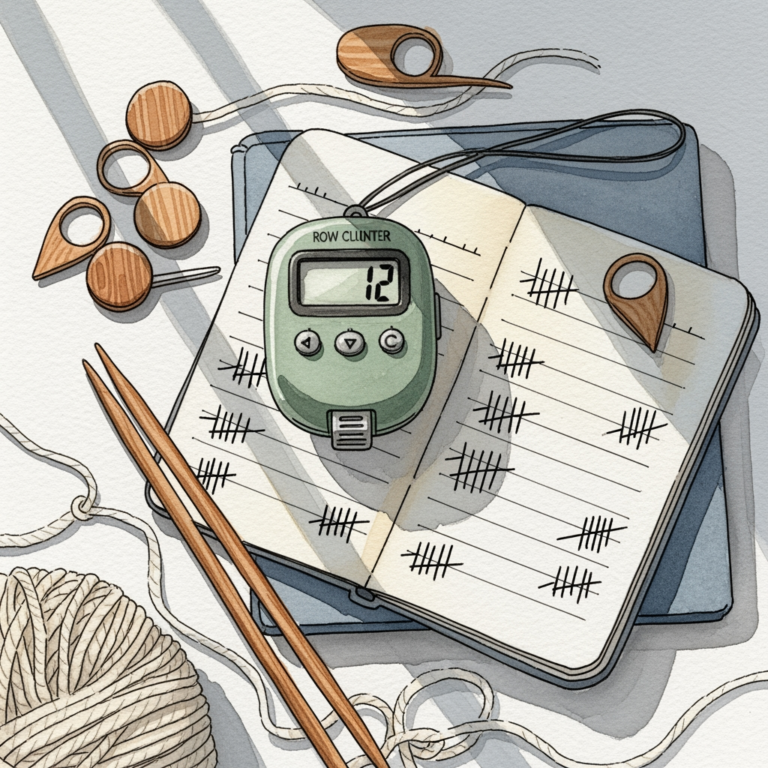
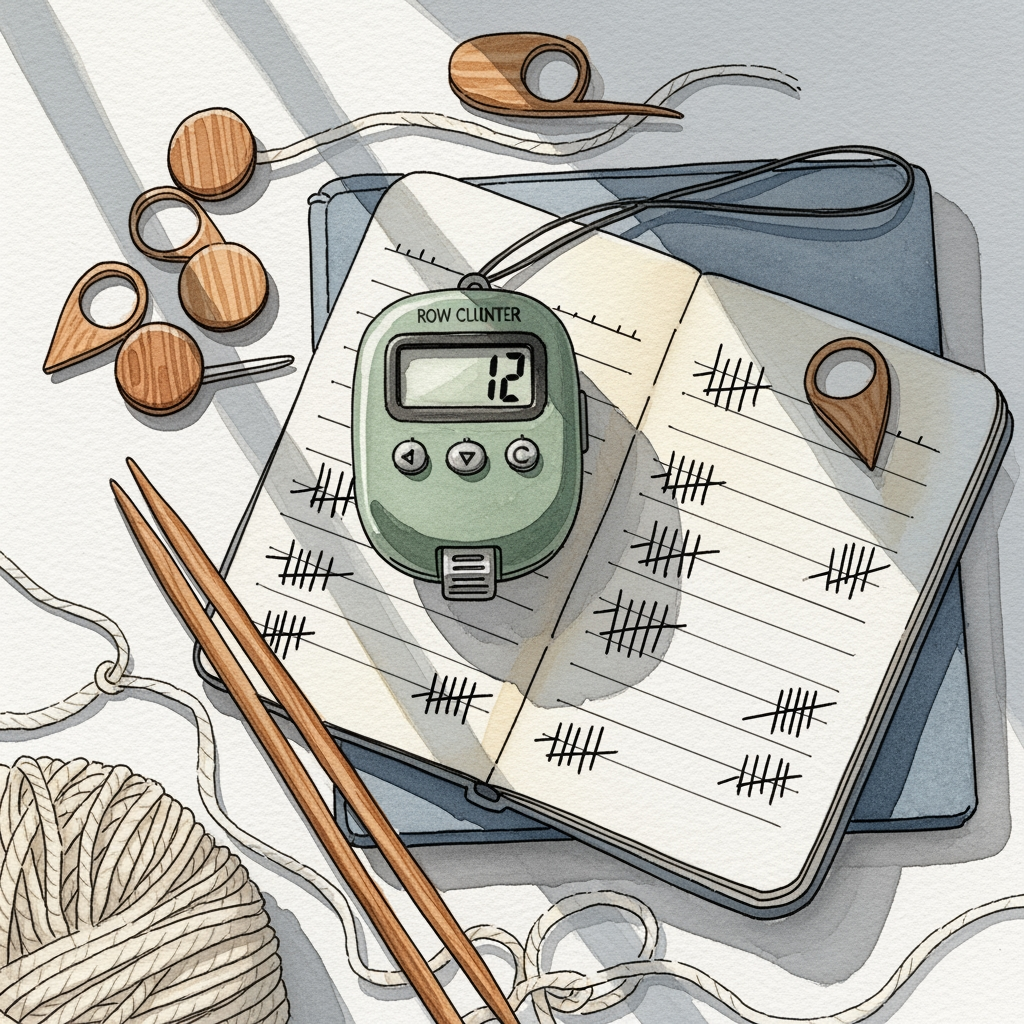
Whether you are working through a complex cable pattern or simply keeping track of rows on a mindless stockinette scarf, losing your place is the quickest way to ruin your rhythm. Digital row counters have revolutionized the way we manage our WIPs, turning chaotic sticky notes into organized, high-tech tracking systems. In this guide, we will explore the best tools currently available to ensure your gauge remains consistent and your stitch counts stay perfect. From simple taps to sophisticated chart integration, there is a digital solution for every type of knitter.
KnitCompanion: The Gold Standard for Complex Charts


KnitCompanion is arguably the most powerful tool for those of us who tackle intricate lace or complex stranded colorwork. It transforms static PDF patterns into interactive documents where you can highlight rows, track increases, and monitor your progress across multiple charts simultaneously.
If you are working on a project with a 40-row repeat, the ability to "pin" your current row and zoom in on specific symbols is a game-changer. It prevents the common frustration of losing your place in a dense chart, which often leads to expensive mistakes in expensive yarn.
While the interface has a steeper learning curve than basic apps, the payoff is immense for advanced makers. It is the gold standard for a reason: it respects the complexity of the craft.
My Row Counter: Simple and Effective for Beginners

For those who find themselves overwhelmed by feature-heavy software, My Row Counter offers a refreshing, straightforward experience. It focuses on doing one thing exceptionally well: keeping an accurate count of your rows without cluttering your screen with unnecessary data.
This app is perfect for the knitter working on a simple sweater or a basic ribbed hat. You can easily set up multiple projects, each with its own counter, ensuring that you don’t mix up your progress when you have three different WIPs on the needles.
The design is clean and intuitive, making it a great entry point for knitters who are just moving away from physical clickers. It is reliable, lightweight, and won’t drain your phone battery during long knitting sessions.

Bee Count It: Best Minimalist Tool for Quick Rows
Bee Count It is built for the knitter who wants a "tap and go" solution. Its interface is stripped-down and focuses entirely on speed, allowing you to increment your count with a single, large button that is easy to hit even when you’re mid-row.
This is particularly useful when you are working with slippery fibers like silk or bamboo, where you don’t want to take your eyes off the needles for long. If you are a fast knitter who likes to keep a steady pace, this app won’t slow you down.
It lacks the complex chart-tracking features of other apps, but for simple row tracking, it is unparalleled. It is the digital equivalent of a reliable, no-nonsense row counter ring.
Row Counter App: The Best Interface for Wearables
The Row Counter App shines because of its seamless integration with smartwatches. Being able to tap your wrist to count a row without putting down your needles is a luxury that becomes an absolute necessity once you try it.

This is a massive advantage for knitters who struggle with hand fatigue or those who knit in public spaces. You don’t have to reach for your phone or fumble with a physical counter; you simply keep your hands in position and continue working.

It is a sophisticated tool that bridges the gap between traditional craft and modern technology. If you already wear a smartwatch, this is likely the best choice for your workflow.
Knitting Row Counter: Best for Tracking Projects
Knitting Row Counter goes beyond simple counting by allowing you to attach notes and photos to your individual projects. This is invaluable if you are a knitter who likes to keep a digital "knitting journal" alongside your active progress.
You can document which needle size you used, the specific dye lot of the yarn, and any modifications you made to the pattern. This level of detail is essential if you ever want to recreate a successful garment or understand why a specific project didn’t turn out as expected.
It turns your phone into a comprehensive project management system. It is ideal for the knitter who values organization and wants to track their growth over time.
Stitchminder: Best Integration for Digital Patterns
Stitchminder excels at importing and managing digital patterns, making it a great companion for those who buy their designs from online marketplaces. It allows you to overlay your count directly onto the pattern file, ensuring that your progress is visually linked to the instructions.
This visual connection is helpful for visual learners who need to see the pattern instructions and their current row count in the same view. It minimizes the cognitive load of switching between different screens or apps.
The app is stable and handles large pattern files with ease. It is a solid, professional-grade tool for the serious hobbyist.
Count It: The Most Reliable Basic Row Counter Tool
Count It is the "utility knife" of row counters. It is dependable, free of bugs, and does exactly what it promises without any unnecessary bells and whistles.
If you are looking for a tool that just works every time you open it, this is your best bet. It is perfect for the knitter who prefers a distraction-free environment and wants to focus entirely on the meditative aspect of the craft.
Sometimes, the best tool is the one that stays out of your way. Count It provides that quiet, consistent support that every knitter needs.
Why Use a Digital App Instead of a Manual Counter?
Manual counters are prone to being misplaced, accidentally clicked, or knocked off the table. A digital app lives on your device, which is likely already sitting next to you while you knit.
Digital apps also allow for multiple project storage, which is a significant upgrade over a single physical clicker. You can track your socks, your shawl, and your sweater simultaneously without ever worrying about losing your place on any of them.
Furthermore, many apps offer features like voice activation or haptic feedback, which are simply impossible with manual tools. They provide a layer of convenience that allows you to focus on your tension and stitch quality rather than the logistics of tracking.
Essential Features to Look for in Knitting Apps
When choosing an app, consider how it fits into your specific knitting style. Here are the critical features to look for:
- Multi-Project Support: Essential for those who rotate between several WIPs.
- Customizable Increments: The ability to count by rows, repeats, or even individual stitches.
- Cloud Syncing: Ensures your data is safe even if you upgrade your phone.
- Visual Pattern Integration: A must-have for complex charts or lace work.
- Battery Efficiency: You don’t want your phone dying halfway through a row.
Always prioritize an interface that feels intuitive to you. If you find yourself frustrated by the app’s navigation, you will eventually stop using it, rendering the tool useless.
How to Sync Your Row Counts Across Multiple Devices
Most modern knitting apps utilize cloud-based accounts to keep your data synced across devices. To enable this, ensure you have created an account within the app and that "Cloud Sync" or "Auto-Backup" is toggled to the "On" position in the settings menu.
This is vital if you switch between a phone while knitting on the couch and a tablet while working at your desk. It prevents the dreaded "out of sync" error that can lead to miscounting rows in a complex project.
Always perform a manual sync before closing the app after a long knitting session. It takes only a second and provides peace of mind that your progress is safely stored in the cloud.
Choosing the right digital row counter is about finding a tool that complements your rhythm rather than interrupting it. Whether you opt for a feature-rich chart tracker or a simple, minimalist button, the ultimate goal is to remove the friction from your knitting process. By offloading the mental work of tracking to an app, you free up your brain to focus on what really matters: your tension, your fiber, and the joy of creating something beautiful. Happy knitting, and may your rows always stay perfectly counted.