
7 Best Labeling Printers For Inventory Tracking To Consider
Streamline your warehouse operations with our top 7 best labeling printers for inventory tracking. Compare the best options and choose the right device today.
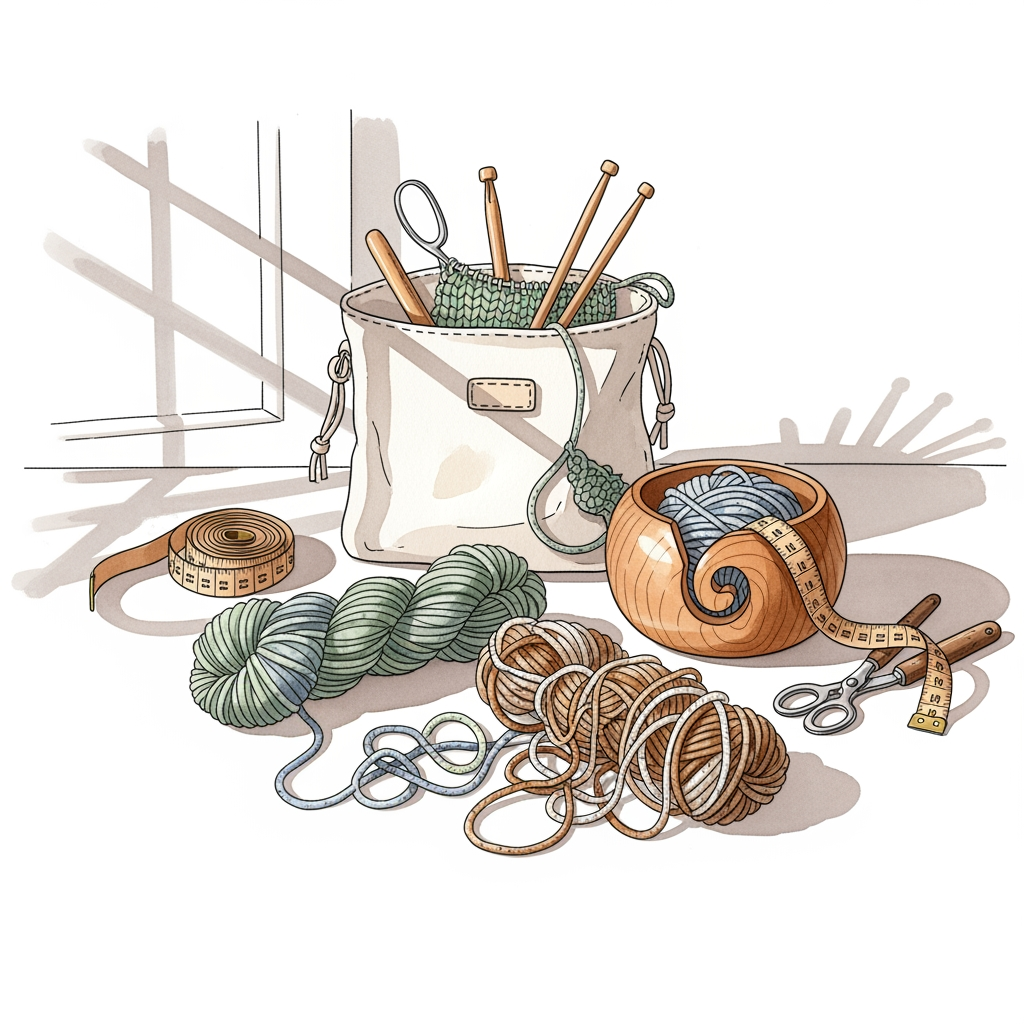
An overflowing stash can quickly transform from a source of inspiration into a disorganized mountain of mystery fibers. Identifying the correct dye lot for a complex colorwork sweater or remembering the exact fiber content of a single skein is nearly impossible without a robust labeling system. Relying on paper scraps or handwritten notes often leads to lost information when skeins migrate to the bottom of a bin. Investing in a dedicated labeling printer ensures that every precious gram of yarn remains accounted for, preserved, and ready for the next cast-on.
Brother P-touch Cube: Best for App-Based Use


The Brother P-touch Cube excels for those who prefer managing their inventory directly from a smartphone. By utilizing a Bluetooth connection and a dedicated mobile app, it simplifies the process of designing labels with various fonts and borders.
This printer is ideal for knitters who want to include detailed metadata, such as WPI (wraps per inch—a measurement of yarn weight) or specific washing instructions, on a small, durable label. The adhesive backing on these tapes is particularly effective at sticking to smooth plastic storage bins or metal yarn caddies.
The reliance on a smartphone app can be a minor hurdle for those who prefer a tactile keyboard. However, the convenience of saving templates for repeat labeling tasks—like labeling multiple skeins of the same base yarn—makes it a highly efficient choice for organized stash management.
Dymo LabelWriter 550: The Pro Stash Organizer
The Dymo LabelWriter 550 is a powerhouse designed for speed and consistency. It uses direct thermal printing, which means no ink cartridges are required, significantly lowering the long-term cost of operation.
For a knitter with a massive collection, the automatic label recognition technology saves considerable time. It instantly detects the label size and adjusts settings accordingly, ensuring that a label for a small notions tin is formatted just as cleanly as one for a large storage box.
While the footprint is larger than portable models, its reliability is unmatched for deep, heavy-duty stash auditing. If the goal is to catalog hundreds of skeins over a weekend, this machine handles the volume without stalling or requiring constant manual recalibration.
NIIMBOT D11: Top Pick for Portable Labeling
The NIIMBOT D11 is compact enough to fit inside a standard project bag or a small notion case. Its portability makes it the perfect companion for trips to a local yarn store, where you might want to tag new acquisitions before they are even stored.
Because it is battery-operated and wireless, it is incredibly easy to move between different shelving units in the studio. It provides a quick way to label skeins that have lost their original ball bands, ensuring the fiber content and yardage aren’t forgotten.
The app interface is straightforward, focusing on simplicity rather than complex design. While it may not offer the vast variety of fonts found in professional desktop printers, it strikes an excellent balance between price, size, and ease of use for the hobbyist.
Phomemo M110: Most Versatile Label Options
The Phomemo M110 stands out for its ability to handle a wide range of label shapes and sizes, including round labels that are perfect for labeling the lids of jam jars or notions tins. This versatility is crucial for knitters who store needles, stitch markers, and buttons in a variety of containers.
Thermal printing technology here is sharp and clear, making even small text legible. This is vital when trying to fit technical information, such as the specific fiber blend or total yardage, onto a very small surface area.
The printer is robust and durable, holding up well to the inevitable knocks that happen in a busy craft room. While it requires the use of the brand’s specific app, the software is surprisingly intuitive and offers features that make creating custom labels for different yarn weights or project types a breeze.
MUNBYN ITPP941: For Crafters Who Also Ship
The MUNBYN ITPP941 is an industrial-grade thermal printer often used for shipping labels, but it functions brilliantly for organizing large-scale inventory. If your craft business has grown to the point where you are sending out kits or patterns, this machine offers dual utility.
It prints exceptionally quickly and handles large rolls of thermal paper with ease. This is the heavy-hitter for a studio setup where every single bin, shelf, and storage drawer needs a clear, permanent label.
Because it does not require ink or toner, it remains a cost-effective solution for high-volume labeling. Its sheer speed allows for a full inventory audit in a fraction of the time, leaving more hours for the actual knitting.
Brother QL-800: Best High-Volume Label Maker

The Brother QL-800 is a desktop staple that produces crisp, high-resolution text every time. It is a wired printer that plugs directly into a computer, making it ideal for those who prefer managing a large database or spreadsheet of their inventory on a monitor.
The ability to print in both black and red adds a unique level of clarity to inventory lists. You can color-code labels to distinguish between different fiber types, such as highlighting all superwash wools in red while keeping standard wools in black.
This printer is built for long-term endurance. If the stash includes hundreds of skeins that require a formal, consistent system of identification, the QL-800 provides the level of professional organization that prevents any yarn from being misplaced or forgotten.
Dymo LetraTag 200B: Simple Bluetooth Starter
The Dymo LetraTag 200B is the entry-level choice for the knitter who wants to organize without the complexity of advanced software. Its Bluetooth connectivity bridges the gap between traditional keyboard label makers and app-based systems.
It is lightweight and produces reliable, classic-style labels that are resistant to fading. These are excellent for tagging project bins where you want to clearly indicate the project name, the date started, and the needles currently in use.
For the minimalist, the simplicity is its greatest strength. It does not demand constant firmware updates or intricate software learning; it simply produces labels when you need them, allowing you to focus on the knitting at hand.
What to Look for in a Craft Inventory Printer
- Connectivity: Decide whether a mobile-first app experience or a desktop-driven database is more aligned with your workflow.
- Label Customization: Consider if you need diverse shapes and sizes for different containers, or if a standard label width suffices.
- Running Costs: Thermal printers eliminate the need for ink and toner, which is a significant advantage for long-term maintenance.
- Adhesive Quality: Ensure the labels are designed for the material of your storage, whether that is plastic, wood, or fabric.
Thermal vs. Inkjet: Which Printer is Better?
For stash management, thermal printing is almost always superior to inkjet. Thermal printers use heat to create an image on specially treated paper, which means there is no risk of ink smudging or drying out during long periods of inactivity.
Inkjet printers can be prone to clogging if not used regularly, a common frustration for seasonal crafters who may have gaps between large projects. Furthermore, the cost per label with thermal printing is significantly lower, and the images are generally more resistant to fading over time.
While inkjet printers offer color, the longevity and reliability of thermal prints make them the professional choice for inventory management. A thermal label printed today will be just as clear and readable in five years when you finally decide to use that special hand-dyed skein.
Labeling Your Yarn Stash: What to Include
When organizing your stash, consistency is the key to utility. At a minimum, every label should feature the brand name, yarn base, and dye lot number. Failing to note the dye lot is a common mistake that can lead to visible color differences in a larger garment if you need to purchase an extra skein later.
Beyond these basics, consider adding practical information that assists in project planning. Including the weight category (fingering, sport, worsted, bulky) and total yardage will save you from having to look up specs mid-project.
If you have already swatched the yarn, you might also include the needle size used to achieve gauge. This creates a ready-reference system that makes starting a new pattern significantly faster, turning your inventory into a highly functional tool rather than just a collection of supplies.
Investing in a reliable label printer transforms the chaos of a disorganized stash into a structured, manageable collection. By selecting the right machine for your specific storage needs, you ensure that every yard of yarn is ready for its future project, saving time and frustration for years to come.

