7 Best Knitting Pattern Organizers For Reference Materials
Tired of messy patterns? Discover the 7 best organizers to store, categorize, and access your knitting references efficiently. Simplify your craft today.
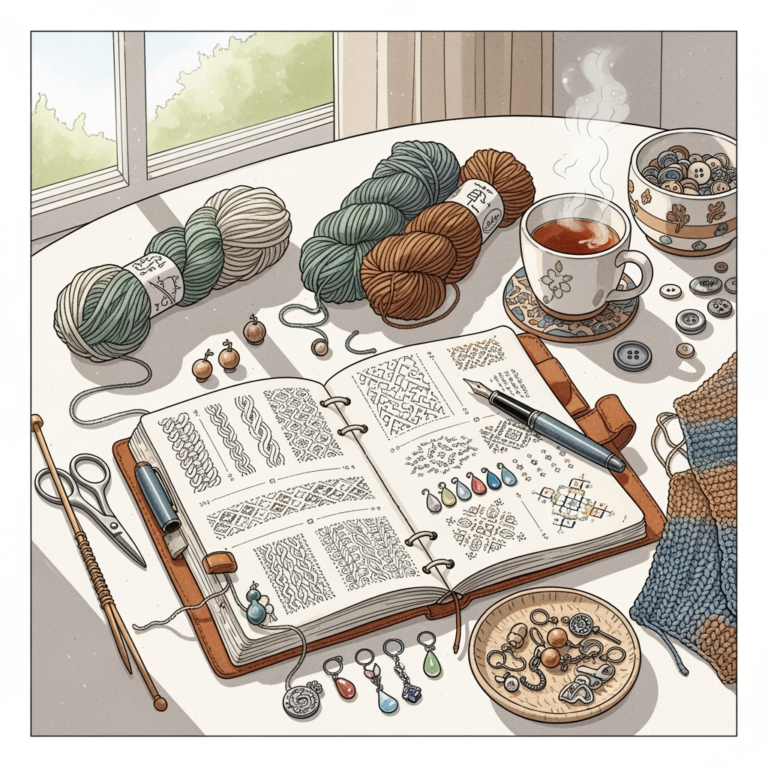
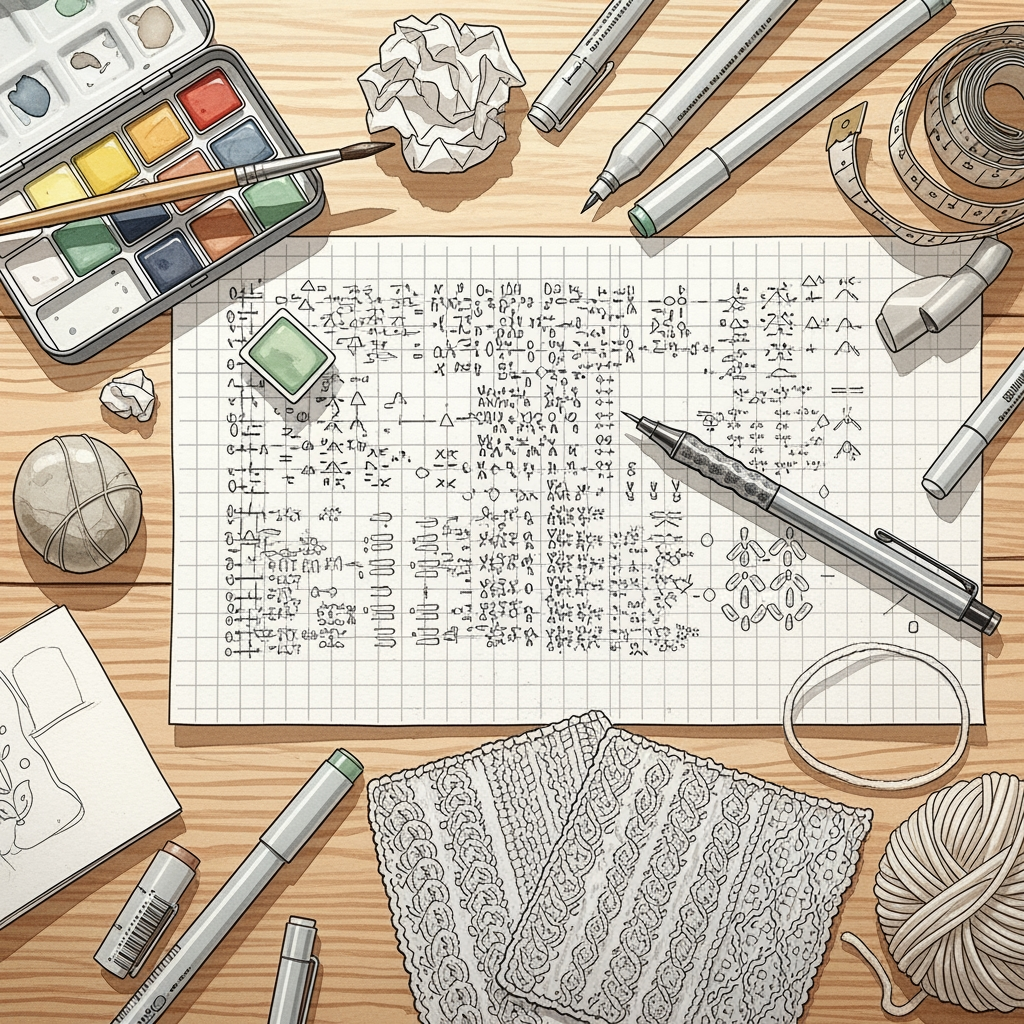
Every knitter eventually faces the "pattern sprawl" dilemma, where loose printouts, saved URLs, and forgotten PDF downloads clutter the craft room. Finding the right organizational tool can transform your knitting experience from a frantic search for a lost chart into a seamless creative flow. Whether you prefer tactile paper binders or sleek digital apps, the goal is to spend less time hunting for instructions and more time with needles in hand. Here are the seven best ways to bring order to your growing pattern collection.
Ravelry Library: The Gold Standard for Knitters
Ravelry is the indisputable heartbeat of the knitting community, and its library feature is built specifically for the way we work. It allows you to store your purchased PDFs and free downloads in one centralized, searchable database.
The true power lies in the metadata. You can tag patterns by yarn weight, project type, or needle size, making it effortless to find that perfect stash-busting project when you have a leftover skein of fingering-weight wool.
However, the interface can feel overwhelming to newcomers. While it is the most robust tool for managing your stash and projects simultaneously, it isn’t an editing tool, so don’t expect to annotate your charts directly within the site.
KnitCompanion: Best App for Interactive Charts


If you work with complex lace or intricate stranded colorwork, KnitCompanion is a game-changer. It turns static PDF patterns into interactive, digital tools that track your progress row by row.
The app allows you to highlight specific chart repeats or set up row counters that sync with your progress. This is vital when you are working with dark-colored mohair or slippery silk blends where losing your place in a chart can mean hours of painful tinking.
The trade-off is the learning curve and the subscription model for advanced features. If you are a casual knitter who sticks to simple garter stitch scarves, the complexity might feel like overkill.
GoodNotes: Top Choice for Digital Note-Takers
GoodNotes is essentially a digital binder that excels at freehand annotation. If you are the type of knitter who likes to scribble notes about needle substitutions or yarn yardage directly onto the pattern, this is your best bet.
You can import any PDF and use a stylus to mark up your instructions just as you would with a physical pen. It is perfect for tracking blocking measurements or noting exactly where you left off after a long break from a project.
Keep in mind that it doesn’t have built-in knitting-specific features like row counters. You are essentially recreating a paper-based workflow in a digital environment, which is perfect for those who find typing notes to be a creative block.
Notion: Best for Custom Pattern Organization
Notion offers a blank-slate approach, allowing you to build your own personal pattern database exactly how you want it. You can create galleries, tables, and calendars to track your queue, stash, and current progress.
This is ideal for the "process knitter" who loves to document every detail of their craft. You can create templates for project notes, including fields for fiber content, gauge, and even photos of your finished swatches.
The downside is the time investment required to set it up. If you prefer a "plug and play" solution, you might find the customization process tedious rather than helpful.
Evernote: Excellent for Web Clipping Patterns
Evernote is a powerful tool for the knitter who finds inspiration across the web. Its "web clipper" extension allows you to save blog posts, tutorials, and pattern pages directly into your notebooks without the clutter of ads.
It is particularly useful for storing those "technique-heavy" articles you find on knitting blogs. If you are learning a new cast-on or a complex grafting technique, clipping these pages keeps them accessible for quick reference.
While it is great for archival, it lacks the specialized tools for tracking chart progress. Use it as a library for reference materials rather than a workspace for your active knitting projects.
Pinterest: Best for Visual Inspiration Boards
Pinterest is less of a storage tool and more of a discovery engine. It is the best place to curate your "dream queue" and keep track of style inspiration, color palettes, and yarn pairings.
Many knitters use it to organize patterns by category, such as "Summer Tanks" or "Winter Cables." It is highly visual, which helps when you are stuck in a creative rut and need a spark of inspiration.
Never rely on Pinterest as your primary storage for PDF files. Links can break and pins can disappear, so always save your actual pattern files in a more permanent location like Google Drive or Ravelry.
Google Drive: Simple Cloud Storage for PDFs
For the knitter who values simplicity, Google Drive is the gold standard for pure file storage. It is reliable, searchable, and keeps your PDF patterns safe across all your devices.
Organizing by folders—such as "Sweaters," "Socks," or "Finished Projects"—is an intuitive way to manage your collection. It is the most "no-nonsense" approach for those who want their files accessible without the bells and whistles of dedicated apps.
The main limitation is that it provides no specialized functionality for knitting. You will need to use a separate PDF reader if you want to annotate your files or track your rows.
Why Proper Pattern Storage Saves Time Knitting
A disorganized pattern collection is a hidden source of "knitting friction." When you spend twenty minutes hunting for the specific needle size or the correct chart repeat, you lose the momentum that keeps a project moving forward.
Proper storage allows you to make informed decisions before you even buy your yarn. When you know exactly what you have in your library, you are less likely to impulse-buy patterns that you’ll never actually cast on.
Think of your pattern library as a curated tool kit. Just as you wouldn’t use a blunt needle for delicate lace, you shouldn’t rely on a chaotic file system for your creative work.
Digital vs. Paper: Choosing Your Workflow
The debate between digital and paper is as old as the transition from print magazines to apps. Digital systems offer portability and easy searchability, while paper offers a tactile connection that many knitters find grounding.
If you are knitting on the go—on a train or at a coffee shop—a tablet or phone is infinitely more convenient than a bulky binder. However, if you find screens distracting, a simple printed pattern on a clipboard can help you stay focused on the rhythm of your stitches.
There is no "right" way to do this. Many successful knitters use a hybrid system, keeping their master library digital while printing out the specific chart they are currently working on.
Essential Tips for Managing Your Pattern Library
- Standardize your naming conventions: Use a format like
[Designer] - [Pattern Name]so you can find files instantly. - Back up your files: Whether you use the cloud or an external hard drive, never keep your only copy of a paid pattern in a single, vulnerable location.
- Purge regularly: If you haven’t knit a pattern in five years and your tastes have changed, don’t be afraid to delete it.
- Keep your notes together: Always store your gauge swatches or modifications alongside the pattern file.
Organizing your knitting patterns is not just about tidiness; it is about respecting your time and your creative process. By choosing the tools that align with how your brain works, you remove the obstacles that stand between you and your next finished project. Whether you go fully digital or stick to the charm of a well-organized binder, the best system is the one that actually gets used. Now, pick your method, clear the clutter, and get back to the joy of making.