7 Best Row Trackers For Digital Patterns To Try
Struggling with digital knitting patterns? Discover the 7 best row trackers to streamline your workflow, stay organized, and keep your stitch counts precise.
Keeping track of your rows shouldn’t feel like a chore that distracts from the rhythm of your stitches. Whether you are working through a complex cable repeat or a simple stockinette sweater, the right digital tool acts as a silent partner in your craft. These seven applications offer unique ways to manage your progress, ensuring you never lose your place during a late-night knitting session. Let’s explore the best digital solutions to keep your project on track and your tension consistent.
KnitCompanion: The Gold Standard for Complex Charts
If you have ever attempted an intricate lace shawl or a stranded colorwork sweater, you know the frustration of losing your place in a 50-row chart. KnitCompanion is widely considered the industry leader for a reason: it allows you to isolate specific rows and columns, effectively "highlighting" your current progress.
The app’s engine is robust, handling large PDF files without the lag that often plagues lesser software. It is particularly helpful for projects involving multiple repeats, as you can set up custom markers that move automatically as you advance.
However, the sheer depth of features can be overwhelming for a beginner. If you are just starting out with a simple scarf, the learning curve might feel like overkill. Stick with it, though; once you master the setup, it becomes an indispensable tool for complex pattern navigation.
BeeCount: Simple and Streamlined Row Tracking App
BeeCount excels by removing the digital clutter that often distracts from the actual knitting. It provides a clean, distraction-free interface where your row count is always front and center.
This is the perfect choice for the knitter who prefers to keep their tablet or phone propped up as a dedicated "tally" device. It doesn’t try to reinvent the wheel, focusing instead on reliable, one-tap increments that feel tactile and responsive.
The trade-off here is a lack of advanced chart-manipulation tools. If your pattern relies heavily on complex visual cues within a PDF, BeeCount might feel a bit too basic. Choose this app if you want a straightforward clicker that won’t distract you from your yarn choice or stitch pattern.
Row Counter App: Best for Minimalist Pattern Needs
The Row Counter app is a fantastic middle ground for those who want a bit more than a tally sheet but less than a full-blown chart editor. It offers a very intuitive way to link your row count directly to specific sections of your written instructions.
It is particularly useful when working with written-out patterns rather than charted ones. You can easily set up multiple counters for different parts of a garment, such as tracking your sleeve decreases while simultaneously monitoring your body length.
While it lacks the heavy-duty PDF-editing capabilities of more expensive apps, its simplicity is its greatest strength. For the knitter who values speed and ease of use over complex customization, this is often the "Goldilocks" solution.
Pattern Keeper: Essential for PDF Chart Conversion
Pattern Keeper is a game-changer for anyone who loves charted colorwork but hates squinting at tiny squares on a screen. Its primary function is to "read" your PDF charts and convert them into an interactive, high-contrast digital format.
Once imported, you can tap symbols to highlight them, which is incredibly helpful when working with busy charts. It essentially acts as a digital magnifying glass, which saves your eyes during long sessions with dark-colored yarns or intricate motifs.
Be aware that it works best with standard, clean PDF charts; hand-drawn or non-standard formats may struggle to import correctly. If you frequently tackle stranded colorwork or complex intarsia, Pattern Keeper is an essential addition to your digital toolkit.
My Row Counter: Reliable Syncing Across All Devices


My Row Counter is built for the knitter who moves between the living room couch and the commuter train. Its standout feature is its seamless cloud synchronization, ensuring your row count is always updated regardless of which device you pick up.
This reliability prevents the common "did I update my phone or my tablet?" panic. It also offers a voice-controlled tally feature, which is a lifesaver when your hands are busy holding needles or untangling a yarn cake.
The interface is functional and clean, though perhaps not as aesthetically polished as some competitors. If you value consistency and the peace of mind that comes with cloud-based backups, this is your best bet.
GoodNotes: Flexible Digital Planning for Knitters
While GoodNotes isn’t strictly a "knitting app," it is a powerhouse for the organized maker. Many knitters use it to import their PDF patterns into a notebook format where they can handwrite notes, adjust gauge math, or sketch out modifications.
This approach is perfect for those who like to treat their pattern like a journal. You can circle specific instructions, jot down the date you started, or note which needle size you chose for a particular yarn brand.
The limitation is that it lacks an automated row counter; you will be manually marking your progress on the page. If you are the type of knitter who keeps a detailed project diary, GoodNotes offers a level of creative freedom that dedicated apps simply cannot match.
KnitTrack: Best for Managing Multiple Projects Now
KnitTrack is designed for the "serial starter" who usually has three or four projects on the needles at once. It manages multiple project profiles simultaneously, allowing you to switch between them without losing your place in any of them.
The dashboard view provides a quick summary of your active projects, including the yarn type, needle size, and current row. This is incredibly helpful for keeping track of your "WIPs" (Works In Progress) and ensuring you don’t forget which needle size you were using for that specific project.
The app is highly efficient, though it does require a bit of initial setup to get all your project details logged properly. For the knitter who thrives on variety and needs a bird’s-eye view of their current knitting queue, KnitTrack is an excellent organizational hub.
Why Digital Row Counters Beat Paper Tally Sheets

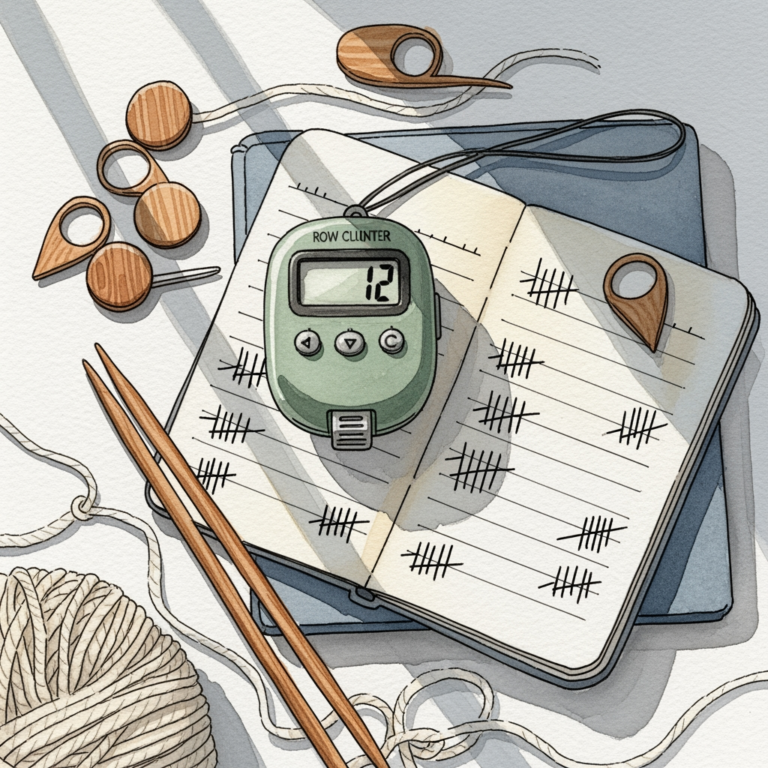
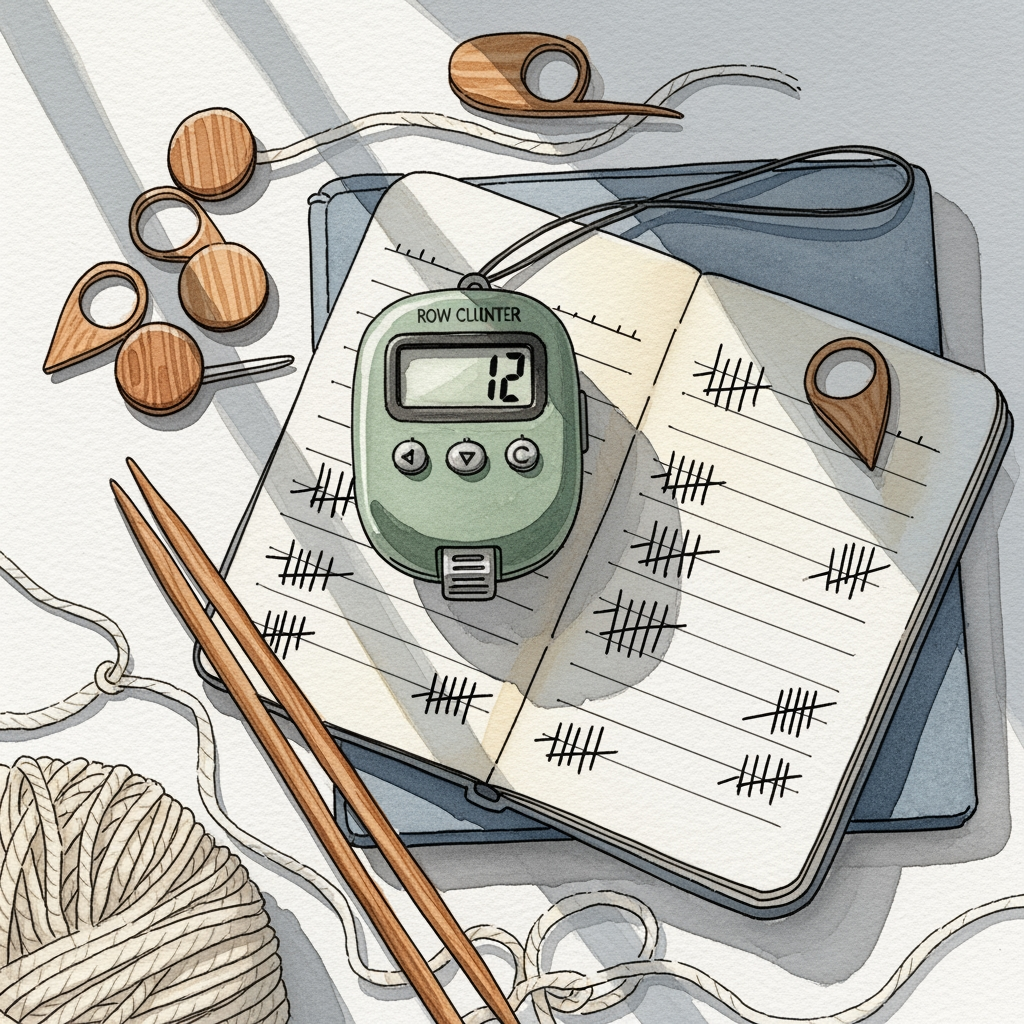
Paper tally sheets are charming, but they are incredibly prone to loss, damage, or accidental erasures. A digital counter is always saved, backed up, and immune to the "coffee spill" disaster that has ruined many a handwritten notes page.
Furthermore, digital tools allow for multi-layered tracking. You can track your row count, your yarn usage, and your project notes all in one place, rather than juggling a notebook, a pen, and a plastic clicker.
The most significant benefit is the ability to search your history. If you put a project down for six months, a digital app will tell you exactly where you left off, preventing the dreaded "frog-and-restart" scenario.
How to Sync Your Progress Across Multiple Devices
Syncing progress requires choosing an app that utilizes cloud storage, such as My Row Counter or KnitCompanion. Always ensure you are logged into the same account on every device you intend to use.
If your app doesn’t have native sync, look for options that allow you to export your progress data to a shared folder like Google Drive or iCloud. This ensures that even if you lose a device, your hard-earned progress remains safe.
Always perform a manual "sync" or "save" before closing the app on one device to ensure the data is pushed to the cloud. A quick double-check of your row count on the new device before you start your first stitch is a small habit that prevents major errors.
Tips for Importing PDFs Into Your Tracking App
When importing patterns, ensure your PDF is a "vector" file rather than a flat image scan whenever possible. Vector files allow the app to recognize the grid lines and symbols, which is crucial for features like symbol highlighting.
If you are working with a scanned pattern, try to find an app with a good "manual crop" or "zoom" feature. This allows you to focus on the specific section of the chart you are working on, even if the app cannot automatically detect the grid.
Finally, keep a backup of your original PDF files in a separate folder. Digital apps are great, but having the original file ensures you can always re-import your pattern if you ever decide to switch to a different tracking platform.
Choosing the right row tracker is about finding a tool that supports your unique knitting style rather than dictating how you work. Whether you prioritize the complex chart-navigation of KnitCompanion or the simple, reliable tallying of BeeCount, these digital aids are designed to make your time with your needles more enjoyable. Experiment with a few options to see which interface feels most natural to your workflow. Once you find your perfect match, you’ll find that you can focus less on counting and more on the meditative joy of every stitch.