6 Best Portable Document Cameras For Sharing Design History Lectures
Elevate your design history lectures with the top 6 portable document cameras. Explore our expert reviews and choose the perfect tool for your classroom today.
Sharing the intricate details of a historical knitting pattern or the subtle loft of a rare breed of wool requires more than just a standard webcam. To effectively teach design history, one needs a visual bridge that captures the texture, stitch definition, and color nuances of heritage textiles. Portable document cameras serve as this essential link, transforming a tabletop workspace into a high-definition lecture hall. Choosing the right tool ensures that every purl, gauge measurement, and antique spinning technique remains clear for those viewing from a distance.
IPEVO V4K: Best for Crisp Textile Details


The IPEVO V4K stands out for its remarkable ability to render the minute details of vintage lace or complex cable motifs. High-resolution sensors are essential when demonstrating the difference between a traditional twisted stitch and a standard knit stitch.
This camera excels because it maintains focus even when moving between different yarn weights. Whether showcasing the tight twist of a historical worsted yarn or the airy halo of unspun roving, the clarity remains consistent.
The multi-jointed stand allows for precise positioning over a flat-lay pattern or a physical swatch. When teaching the structural history of a garment, this flexibility is paramount for capturing depth and shadow.
CZUR Shine Ultra: Top Choice for Book Scanning
Historical design research often involves referencing fragile, antique knitting patterns or archival pattern books that cannot be laid perfectly flat. The CZUR Shine Ultra is designed specifically to handle these bound materials with ease.
Its software includes a “curve flattening” feature, which mathematically corrects the distortion caused by the curvature of a book’s spine. This ensures that charts and historical notations remain legible without damaging the binding of precious research materials.
While its design is minimalist, it manages lighting quite well, reducing glare on glossy vintage pages. It serves as a dedicated digital archivist for those building a personal library of historical textile techniques.
OKIOLABS OKIOCAM T: Most Budget-Friendly Pick
The OKIOLABS OKIOCAM T proves that high-quality visual aids for classroom or online instruction do not require a massive investment. It provides a reliable, plug-and-play solution that covers the essential needs of any textile historian.
The camera is lightweight and easy to store, making it a perfect companion for workshops held at guilds or community centers. It delivers sufficient resolution to demonstrate basic stitch mechanics or to show the contrast between different fiber blends.
While it lacks some of the advanced optical zoom features of more expensive models, it handles the basics of color accuracy admirably. For the educator starting out with digital lectures, this is the most logical entry point.
Elmo MX-P3: Best for Live Demonstrations
When teaching complex techniques like historical stranded colorwork or long-tail cast-ons, fluid motion is just as important as image resolution. The Elmo MX-P3 offers a high frame rate that prevents the stuttering often seen in cheaper webcams during rapid hand movements.
This camera allows for seamless transitions between overhead views and side-angle demonstrations. Seeing the needle angle and yarn tension in real-time is the difference between a student understanding a technique and becoming frustrated by it.
The autofocus speed is near-instant, which is crucial when moving your hands frequently during a demonstration. It is built to withstand the rigors of frequent transport between classrooms and project sites.
INSWAN INS-1: The Ultra-Portable Option
Portability is the defining feature of the INSWAN INS-1, making it the ideal choice for educators who travel frequently to archives or museums. Its slender frame folds down into a footprint smaller than a standard knitting needle case.
Despite its size, the resolution is more than adequate for presenting detailed fabric samples. It clips onto various surfaces easily, providing a steady image even in cramped research spaces where desk room is at a premium.
This model is designed for those who value efficiency and minimalist gear. It gets the job done without cluttering the workspace with heavy stands or excessive cabling.
Epson DC-07: Easiest Setup for Tech-Shy Users
The Epson DC-07 prioritizes simplicity, removing the frustration of complex drivers and software configurations. It is the ideal tool for those who prefer to focus on the history of the fiber rather than the mechanics of the hardware.
The folding arm and stable base are intuitive, allowing for a quick setup before a lecture begins. It is remarkably sturdy, which provides peace of mind when working near valuable vintage textiles or spinning wheels.
While it may be bulkier than the competition, its reliability is unmatched. It is a “workhorse” piece of equipment that simply works every time, which is a rare and valuable quality in the digital world.
How to Choose the Best Doc Cam for Your Needs
Selecting the right document camera requires a balance between resolution, physical reach, and software capability. For detailed fiber analysis, look for a sensor that supports at least 1080p output to ensure the ply of the yarn is visible.
Consider the arm length if your primary goal is to show large-scale historical garments like traditional fishermen’s sweaters. If you are mainly focusing on tiny, intricate crochet hooks or lace patterns, prioritize cameras with strong macro focus capabilities.
Always check the connection type against your computer’s ports, as many newer laptops require specific adapters. A robust, non-slip base is also critical if you are demonstrating techniques on a slick tabletop surface.
Capturing True Fiber Color: A Lighting Guide
Textile history is incomplete without accurate color representation, yet lighting remains the most significant hurdle for digital presentations. Avoid relying solely on overhead fluorescent office lights, as these often impart a green or blue tint that shifts the appearance of wool and silk.
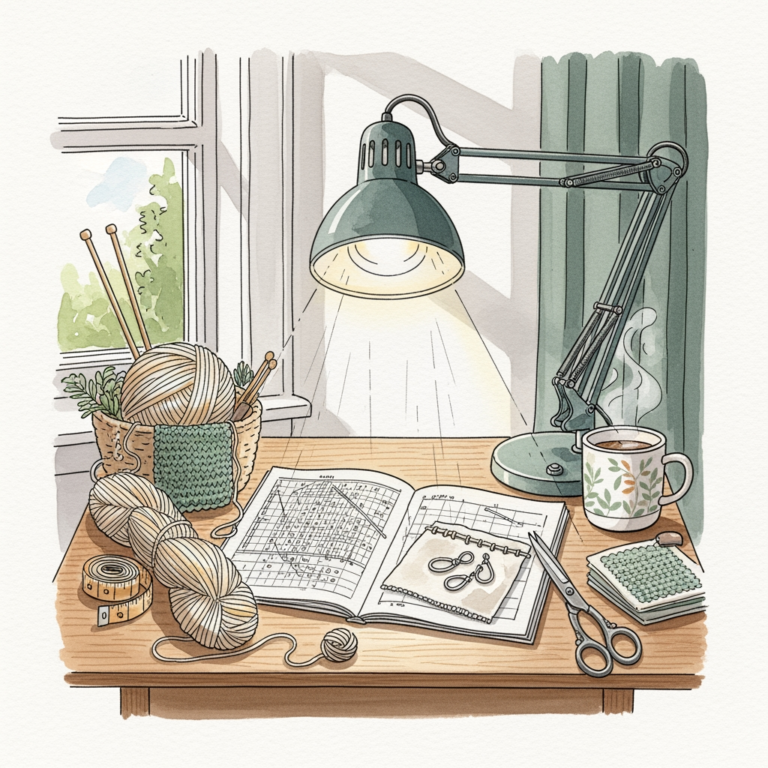
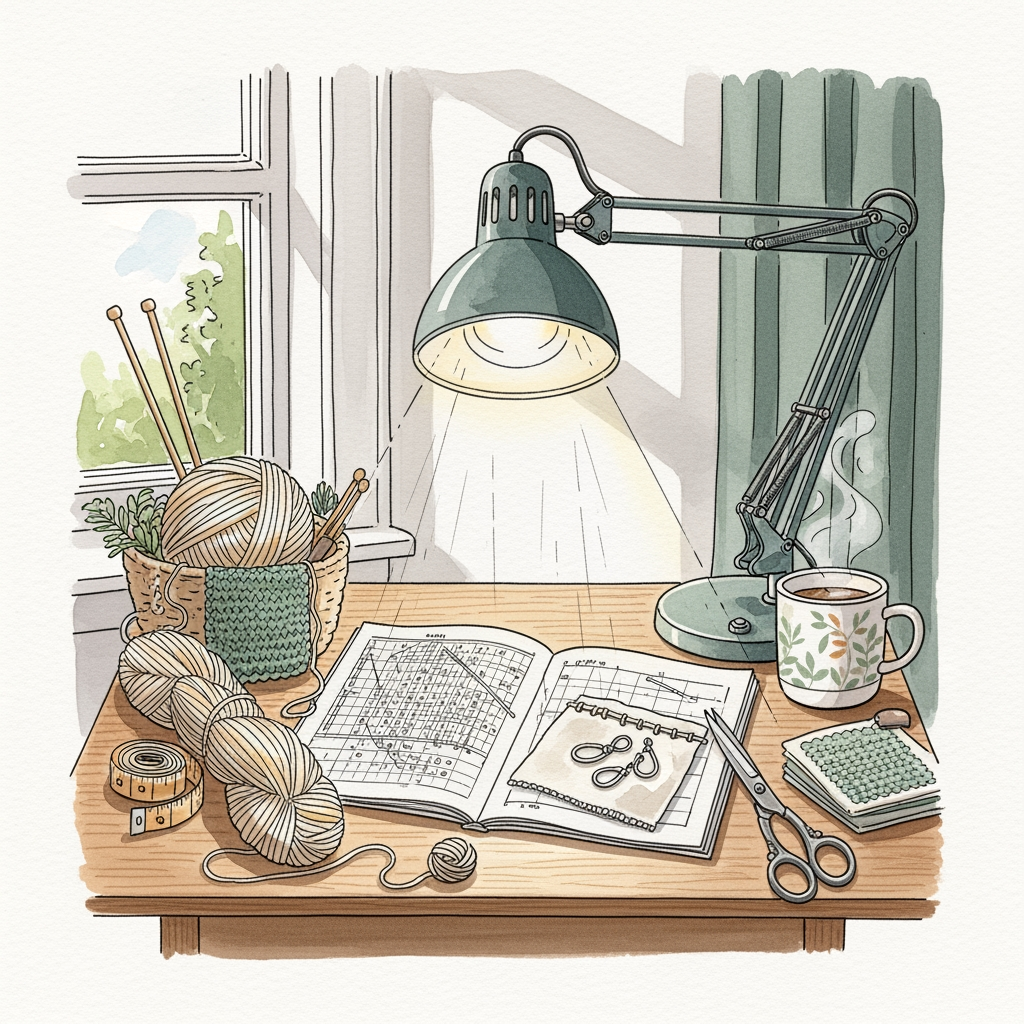
Utilize soft, daylight-balanced LED desk lamps positioned at forty-five-degree angles to the specimen. This reduces harsh shadows and allows the natural depth of the fiber—especially those with a slight shimmer like mohair or silk—to show through clearly.
If your camera lacks advanced white balance controls, keep a piece of neutral grey or white fabric on your desk. Placing it in the frame briefly allows the camera to calibrate the colors properly before you move to your main subject.
Key Software Features for Design Historians
Look for software that includes a digital whiteboard overlay, which allows for drawing directly over the live image. This is incredibly helpful when highlighting a specific increase or decrease in a vintage pattern diagram.
Recording functionality is another non-negotiable feature for those creating asynchronous learning materials. The ability to freeze the frame is equally important, as it gives students a moment to study a specific stitch construction without the movement of the presenter’s hands.
Some modern document camera software also includes split-screen capabilities. This allows you to show an archival photograph of a historical garment side-by-side with your modern re-creation, facilitating an immediate visual comparison.
Doc Cam vs. Phone: Making the Right Choice
While a high-end smartphone camera can certainly take beautiful photos, using it as a live lecture tool is fraught with technical headaches. Phones require cumbersome tripods that often get in the way of your hands during a knitting demonstration.
A dedicated document camera is designed to look “down” at your work, whereas a phone is designed to look “out” at the world. This difference in optics results in better depth of field and less distortion when viewing flat or textured surfaces from above.
Most importantly, using a document camera keeps your phone free for communication and notes during a lecture. Investing in a dedicated tool creates a professional, focused environment that elevates the presentation of historical design.
Whether teaching a room full of students or recording a masterclass for digital archives, the right document camera serves as an extension of the expert’s hands. By selecting a device that prioritizes your specific needs—be it portability, scan quality, or ease of use—you ensure that the rich, tactile history of fiber arts is preserved and shared with the clarity it deserves.