6 Best Knitting Software For Custom Pattern Design
Design unique garments with ease. Explore our curated list of the 6 best knitting software for custom pattern design and start your next project with confidence.
Designing a custom knitting pattern transforms a hobbyist into a true artisan, shifting the focus from following instructions to creating the architecture of the fabric itself. While graph paper and pencils remain a classic choice, modern software offers precision that eliminates the tedious math associated with stitch repeats and shaping. Choosing the right tool depends entirely on whether a focus is needed on visual colorwork motifs or the complex geometry of garment sizing. This guide explores the most effective digital companions for designers looking to move from concept to finished chart.
Stitch Fiddle: Best for Charting and Colorwork


Stitch Fiddle serves as an accessible entry point for those intimidated by complex design interfaces. It excels at turning images into custom charts, making it ideal for knitters who want to replicate a specific motif without manual pixel mapping.
The platform is browser-based, meaning there is no need to worry about operating system compatibility or storage space. It provides a straightforward grid interface that handles the heavy lifting of color counting, which is vital when working with stranded colorwork or intarsia.
Keep in mind that while it is excellent for visual motifs, it lacks the advanced garment shaping features found in professional software. It is the perfect tool for creating a hat chart or a decorative panel, but it will not help calculate the precise decreases needed for a set-in sleeve.
EnvisioKnit: Most Powerful Pattern Generator
EnvisioKnit provides a high-level design environment that bridges the gap between simple charting and full-scale pattern drafting. It is designed for those who need to see how a texture—such as cables or lace—will interact with the fabric structure before the first stitch is cast on.
The software offers a unique real-time visualization of stitch patterns, which helps identify potential errors in a design before they manifest in a physical swatch. This is particularly useful when working with complex lace, where a single misplaced yarn-over can ruin the symmetry of a shawl.
The learning curve is steeper than basic online tools, requiring a period of familiarization with its specific symbol sets and design modules. However, for those committed to publishing professional-grade patterns, the ability to generate complex, error-free stitch charts is well worth the time investment.
DesignaKnit 9: The Professional Designer’s Choice
DesignaKnit 9 functions as the industry standard for serious pattern designers and machine knitters alike. It handles everything from individual stitch motifs to full-body garment schematics with mathematical precision that is unmatched in the field.
The software is modular, allowing users to toggle between designing stitch patterns, creating garment shapes, and managing fabric output. For those drafting sweaters, the ability to input custom body measurements and have the software generate the required shaping—down to the exact row-by-row instructions—is a significant time-saver.
Because of its depth, it is overkill for someone only interested in simple scarves or beanies. It is, however, essential for the designer who intends to produce patterns for a wide range of body types, ensuring that grading remains consistent across every size.
KnitCompanion: Best for Interactive Pattern Use

KnitCompanion differs from standard design tools by acting as a powerful reader that enhances existing patterns. It allows users to track their progress, highlight specific rows, and even manage complex charts that require multiple simultaneous actions.
While it is primarily a tool for following patterns, its utility for designers is in the testing phase. By uploading a design to the interface, a creator can see exactly how a user will interact with the document, helping to identify confusing instructions or poorly structured chart keys.
It is particularly indispensable for projects worked in the round, where keeping track of round counts against a decreasing stitch repeat can lead to significant frustration. Using this tool turns a chaotic paper pattern into a streamlined, digital navigation experience.
Chart Minder: Best Free Online Design Tool

Chart Minder is an open-source marvel that provides a no-nonsense interface for creating stitch charts. It is highly valued for its simplicity and the ability to export charts in formats that are easily imported into word processors for pattern layout.
The tool supports a vast library of industry-standard symbols, ensuring that any chart created is legible and recognizable to other knitters. For those who want to design patterns without an ongoing subscription fee, this remains the most reliable and efficient option available.
Be aware that because it is a free, community-maintained tool, it lacks the integrated garment sizing calculators of paid software. It is a tool for the chart itself, not the structural math of the finished garment.
KnitBird: Best All-Around Desktop Software
KnitBird focuses on user experience, offering an interface that feels intuitive rather than mechanical. It is particularly adept at handling colorwork and simple repeat-based structures, allowing for quick adjustments without the need for complex menu navigation.
The software allows for easy experimentation with color palettes, which is vital when working with high-contrast yarns or complex Fair Isle motifs. Seeing how different colorways affect the visual impact of a design can save hours of wasted time spent swatching suboptimal combinations.
This software is a middle-ground solution that avoids the intimidation of professional suites while offering more stability than browser-based apps. It is a solid choice for the knitter who wants to professionalize their design work without needing a degree in software engineering.
How to Pick the Right Knitting Design Software
Choosing software starts with evaluating the primary goal of the design work. If the focus is primarily on color-based motifs, look for software that emphasizes pixel-perfect charting and color management.
If the focus is on garment construction and sizing, look for software that supports parametric shaping. This allows the software to adjust the number of stitches and rows automatically based on the user’s input of gauge—the number of stitches and rows per inch—and intended body measurements.
Consider the following checklist before finalizing a decision: * Operating System: Is it compatible with the existing computer setup? * Support: Is there an active community or help desk to assist with technical issues? * Export Options: Does it produce files that can be easily shared or printed? * Learning Curve: Does the interface align with the current technical proficiency level?
Web-Based vs. Desktop Software: Key Differences
Web-based tools offer the convenience of accessibility from any device, including tablets while sitting in a favorite knitting chair. They are typically lighter, more affordable, and perfect for quick charting or simple motif design.
Desktop software provides a more stable, robust environment that is immune to internet connectivity issues. These programs are designed for heavy-duty processing, such as calculating complex garment math, managing large libraries of custom symbols, and storing extensive project archives.
When working with large, intricate designs, desktop software usually performs better, as browser-based tools can occasionally lag or crash when handling massive amounts of data. Choose web-based for mobility and desktop for structural complexity.
From Sketch to Chart: A Designer’s Workflow
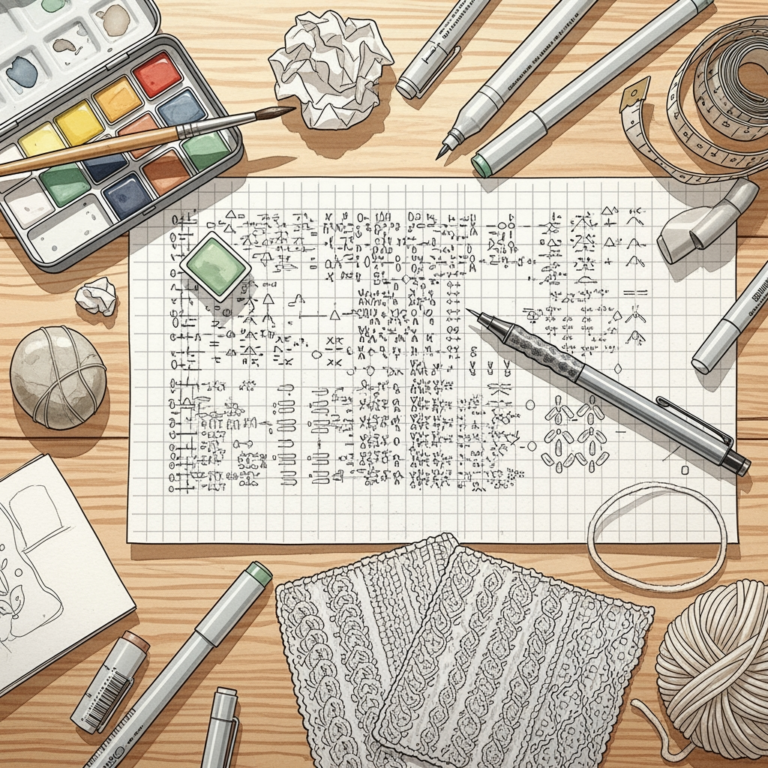
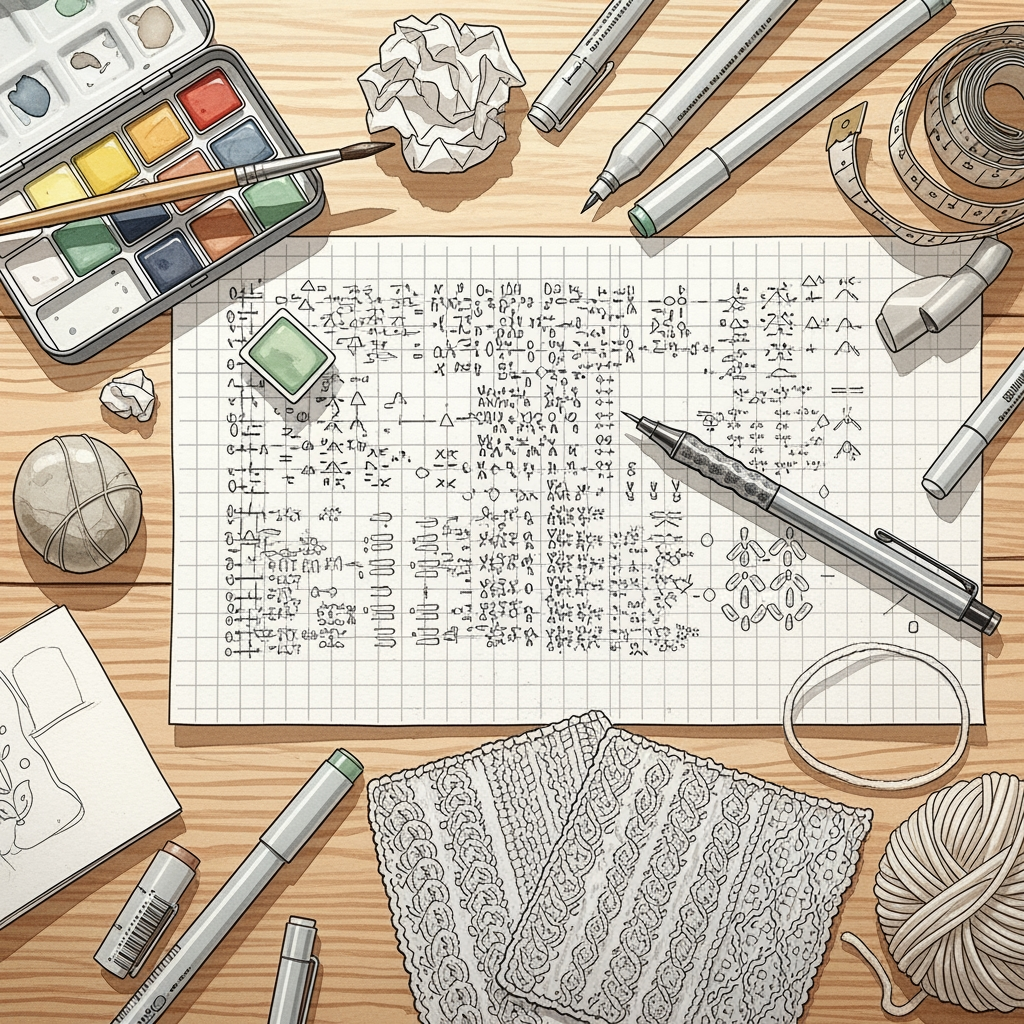
The design process begins with a sketch, which captures the proportions and intended silhouette. Once the shape is established, the designer translates this sketch into a grid, assigning a specific number of stitches to each inch based on the intended gauge.
The next phase involves populating that grid with stitch patterns, whether it is a combination of knit and purl stitches for texture or color changes for stranded work. During this stage, it is crucial to test the “flow” of the pattern, ensuring that increase or decrease points do not disrupt the pattern repeat.
Finally, the design is drafted into a row-by-row format, which acts as the source code for the final product. Always run a small section of the design through a “proof” swatch to verify that the software calculations translate accurately into physical fiber.
Understanding Stitch Libraries and Custom Symbols
A stitch library is the foundational vocabulary of any design software. Most programs come with a pre-loaded library of standard symbols—representing knits, purls, yarn-overs, and various types of decreases—that are universally understood by experienced knitters.
However, advanced designers often find the need to create custom symbols for unique stitch combinations, such as complex cables or specialized brioche maneuvers. Software that allows for the creation and customization of these symbols is vital for maintaining a consistent design aesthetic.
Remember that clear communication is the priority; regardless of how innovative a custom stitch may be, it must be accompanied by a clear legend. If a symbol is not standard, ensure it is clearly explained at the beginning of the pattern to avoid confusion for the person casting on.
Effective software acts as a silent partner in the creative process, bridging the gap between a fleeting idea and a structured, repeatable pattern. By selecting a tool that aligns with individual project goals, designers can focus on the artistry of yarn and stitch while letting technology handle the precision of the grid. Explore the options, start with a simple motif, and watch as the digital landscape makes the dream of custom design a tangible, wearable reality.